

Last updated: March 2026
The Project page allows you to manage project-related options.
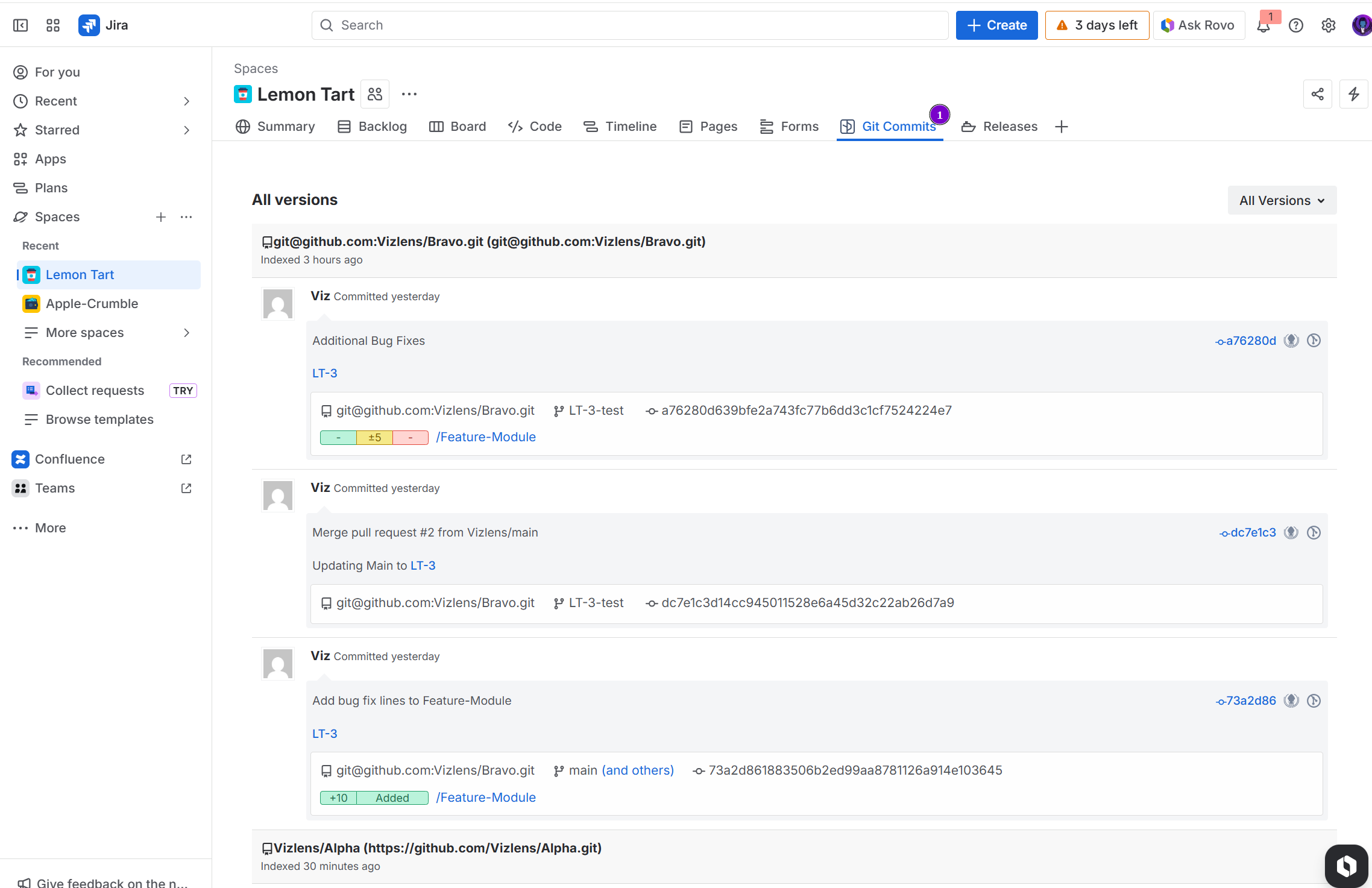
You can view the history of commits within the entire project scope. Select a project, then click the Git Commits tab. The format of commits is similar to that on the issue page.
-
To view commit code diff information, click the View full commit button to the right of the commit message.
-
To view code diff information for a particular file, click the filename adjacent to the rollup counter markers (traffic light).
-
Click the issue name of the commit to open the associated Jira issue.
-
Click the web links to open the commit in the remote git host service portal.
-
Click Open in GitKraken to open this commit in the GitKraken git client app (if installed).
