
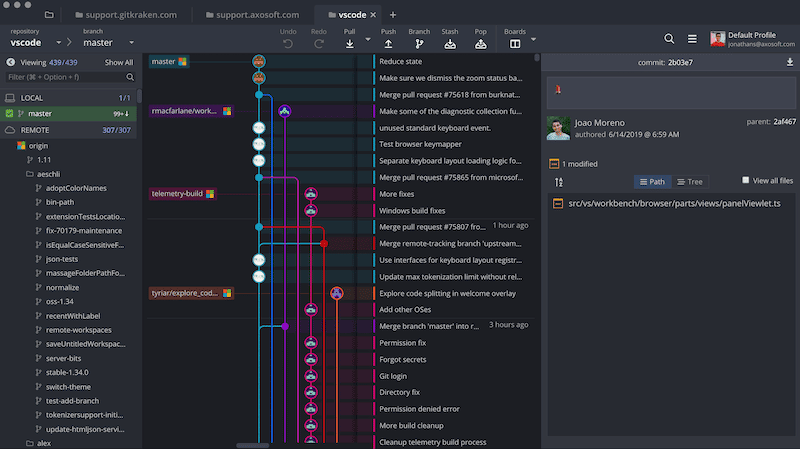
GitKraken On-Premise Serverless (also known as GitKraken Stand-Alone or simply GitKraken Serverless) is built for teams and enterprises who work in a disconnected development environment. You get most of the same core GitKraken features, along with these additional benefits:
- For use without internet
- No account creation required
- No server installation
Looking to get started with GitKraken Serverless? Email [email protected] for a trial key.
How to install GitKraken Serverless
There are 3 steps to installing GitKraken Serverless
- Download GitKraken Serverless
- Install GitKraken Client
- Load
.datlicense file
1. Download GitKraken Serverless
The GitKraken Serverless Clients are available on our downloads page.
If you are unable to access this page, please contact your GitKraken administrator for Serverless client downloads. There is a high probability they have made the files available in a different, internal location.
2. Install GitKraken Serverless
Once you download the client, double click the file to install the GitKraken Serverless Client on your machine.
Below are platform-specific details on minimum requirements.
Windows (.exe file)
- System requirements: Windows 10
Install Instructions
Double-click the downloaded executable file, and follow the installation instructions.
Data Location
GitKraken data is stored within your home profile in C:\Users\{user}\AppData\Roaming or %APPDATA%\.gitkraken on older versions. No data is stored outside of the user’s machine or remote services (GitHub Enterprise, Bitbucket Server, etc).
Mac OS (.dmg file)
- System requirements: Mac OS X 10.11+
Install Instructions
Double click the downloaded DMG file and when prompted, drag and drop the GitKraken icon to your Applications folder.
Data Location
GitKraken data is stored in /Users/{user}/.gitkraken == ~/.gitkraken. No data is stored outside of user’s machine or remote services (GitHub Enterprise, Bitbucket Server, etc).
Linux (.deb and .tar.gz files)
- System requirements: Ubuntu LTS 18.04 or later
.deb
GitKraken has a simple package available for Debian based distributions.
wget https://release.gitkraken.com/linux-standalone/gitkraken-amd64.deb
dpkg -i gitkraken-amd64.deb
.tar
wget https://release.gitkraken.com/linux-standalone/gitkraken-amd64.tar.gz
tar -xvzf gitkraken-amd64.tar.gz
Data Location
GitKraken data is stored in /home/{user}/.gitkraken == ~/.gitkraken. No data is stored outside of user’s machine or remote services (GitHub Enterprise, Bitbucket Server, etc).
3. Load license file
When you first open GitKraken Stand-Alone Client, you will be prompted to load the .dat license file.
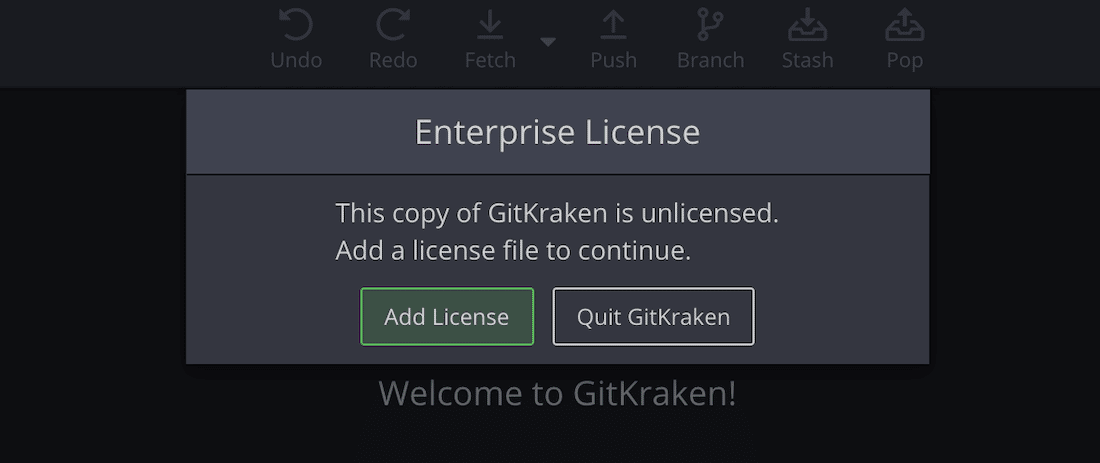
If do not have the license, please contact your GitKraken administrator. If you are the GitKraken administrator, yiou can find your license file on app.gitkraken.com. If you have an older account or you need assistance locating your license file, contact us.
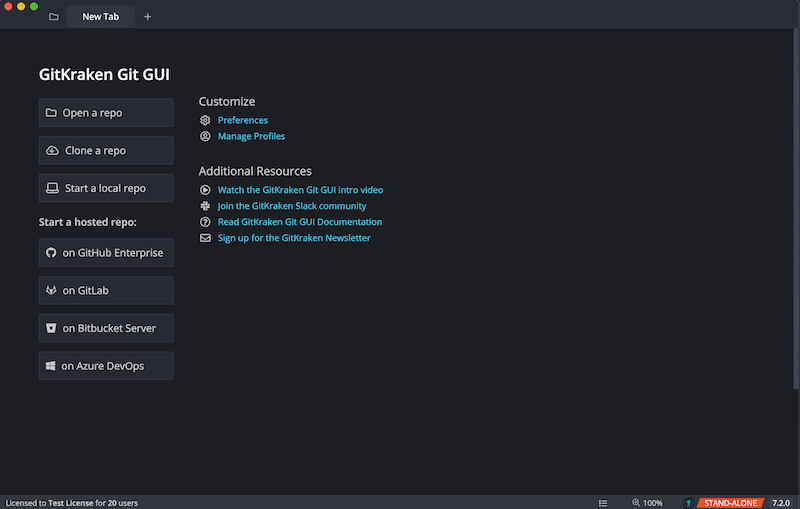
Once the license file is applied, you are ready to get crackin’!
License.dat Location
You can also place your license file into specific directory locations for GitKraken to check. Here are all of the locations GitKraken Client will look:
Linux/Mac:
-
/usr/local/share/gitkraken -
/usr/share/gitkraken -
directory above the
exe -
directory of the
exe -
~/.gitkraken
Windows:
-
C:ProgramDataGitKraken -
directory above the
exe -
directory of the
exe -
%APPDATA%.gitkraken
